





What is a QST Wallet?
A QST wallet is a digital tool designed to interact with the QST (QuStream) ecosystem, which operates on the EVM blockchain. The $QST (QuStream) is a project focused on integrating quantum-safe encryption with blockchain technology to facilitate secure, decentralized streaming services. Led by Adrian Neal, the project aims to disrupt traditional streaming models by addressing security vulnerabilities and data privacy concerns through advanced cryptographic protocols. Because QST is built on the EVM (Ethereum Virtual Machine) standard, your wallet needs to be fully compatible with Ethereum-based smart contracts and token standards to ensure you can interact with the network seamlessly.
Download Bitget QST Wallet
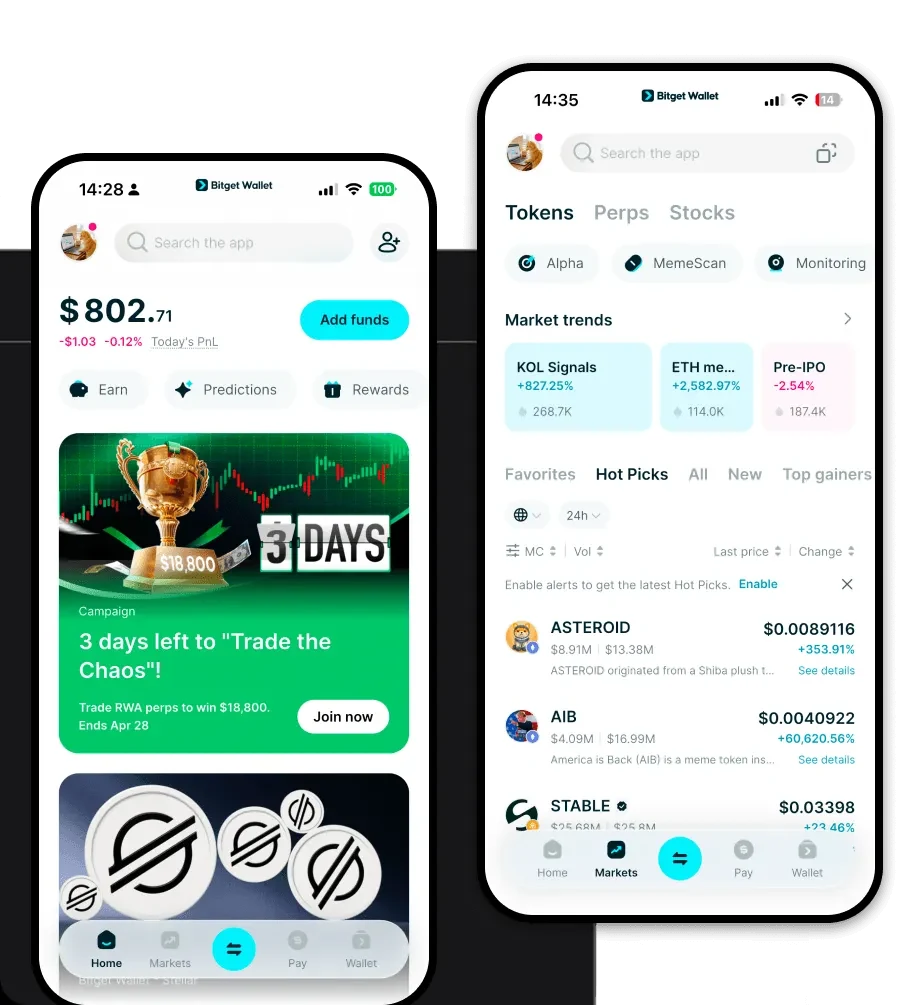
Finding the right QST wallet app is crucial for your security and user experience. Bitget Wallet stands out as the premier choice for managing your assets, offering an intuitive interface that simplifies complex blockchain interactions. Whether you prefer managing your portfolio on the go via iOS or Android, or you need a robust browser extension for desktop interactions, Bitget Wallet provides a unified experience. It offers full multi-chain support, ensuring that your QST tokens are always accessible alongside your other digital assets. Most importantly, it prioritizes your autonomy with private key self-custody, giving you complete control over your funds without relying on centralized intermediaries. You can get started by opting to download Bitget Wallet today to experience a secure and streamlined management platform.
Why Choose Bitget QST Wallet?
As an infrastructure-focused token on the EVM chain, QST requires a wallet that understands the nuances of smart contract interactions and gas optimization. Bitget Wallet is engineered to handle these complexities efficiently:
- Native EVM Compatibility: Bitget Wallet is built to handle EVM-based tokens like QST natively, ensuring that your transactions are correctly formatted and broadcast to the network without errors.
- Advanced Gas Fee Management: With real-time gas estimation and "Smart Gas" features, you can optimize your transaction costs, ensuring your trades and staking actions are processed at the most economical rates.
- Infrastructure-Ready Security: Given QST's focus on quantum-safe encryption, Bitget Wallet’s robust security architecture—including a $300 million protection fund—provides the necessary layer of safety for high-stakes infrastructure assets.
- Seamless DApp Integration: Access the decentralized streaming platforms and governance portals associated with QST directly through the integrated DApp browser, eliminating the need for risky third-party connections.
How to Create a QST Wallet
Setting up your wallet is a straightforward process designed to get you ready to manage QST in minutes:
- Download and Install: Visit the official Bitget Wallet website and download Bitget Wallet for your specific device (mobile or extension).
- Create a New Wallet: Open the app and select 'Create a Wallet.' You will be prompted to set a strong password for local access.
- Secure Your Recovery Phrase: The app will generate a 12-to-24-word recovery phrase. Write this down on paper and store it in a secure, offline location; this is the master key to your QST wallet address.
- Verify Your Setup: Follow the on-screen prompts to confirm your recovery phrase, ensuring you have copied it correctly.
- Import or Add QST: Once your wallet is active, you can import existing holdings or add QST as a custom token if it is not automatically displayed, using the contract address provided by the official QuStream documentation.
What Can You Do With a QST Wallet?
Owning a QST wallet opens the door to the full utility of the QuStream ecosystem. Here is how you can actively participate:
- Trading: Use your wallet to seamlessly trade QST on decentralized exchanges (DEXs) aggregated within the Bitget Wallet interface, allowing you to capture market opportunities with low slippage.
- Governance Voting: Participate in the decision-making process of the QuStream project by using your wallet to cast votes on protocol upgrades and governance proposals directly on the blockchain.
- Accessing Secure Streaming Content: Utilize your wallet as a secure digital key to authenticate your identity and access the decentralized streaming services powered by QuStream's privacy-focused protocols.
- Staking for Network Security: Lock your QST tokens within staking smart contracts to help secure the network and, in return, earn potential rewards for your contribution to the ecosystem's stability.
How QST Wallets Are Different from Other Crypto Wallets
Unlike simple storage solutions, a specialized QST wallet must interact with the account-based model of the EVM. While UTXO-based wallets (like those for Bitcoin) focus on unspent transaction outputs, a QST wallet focuses on the EVM account state, where your balance is linked to your public address. Furthermore, while some wallets struggle with complex smart contract interactions, a dedicated Bitget QST wallet provides a streamlined interface for managing 'Gas'—the fee required to execute transactions on the EVM—ensuring you don't run into failed transactions due to insufficient resources. This is particularly important for infrastructure tokens like QST, where transaction speed and reliability are paramount for streaming and governance activities.
